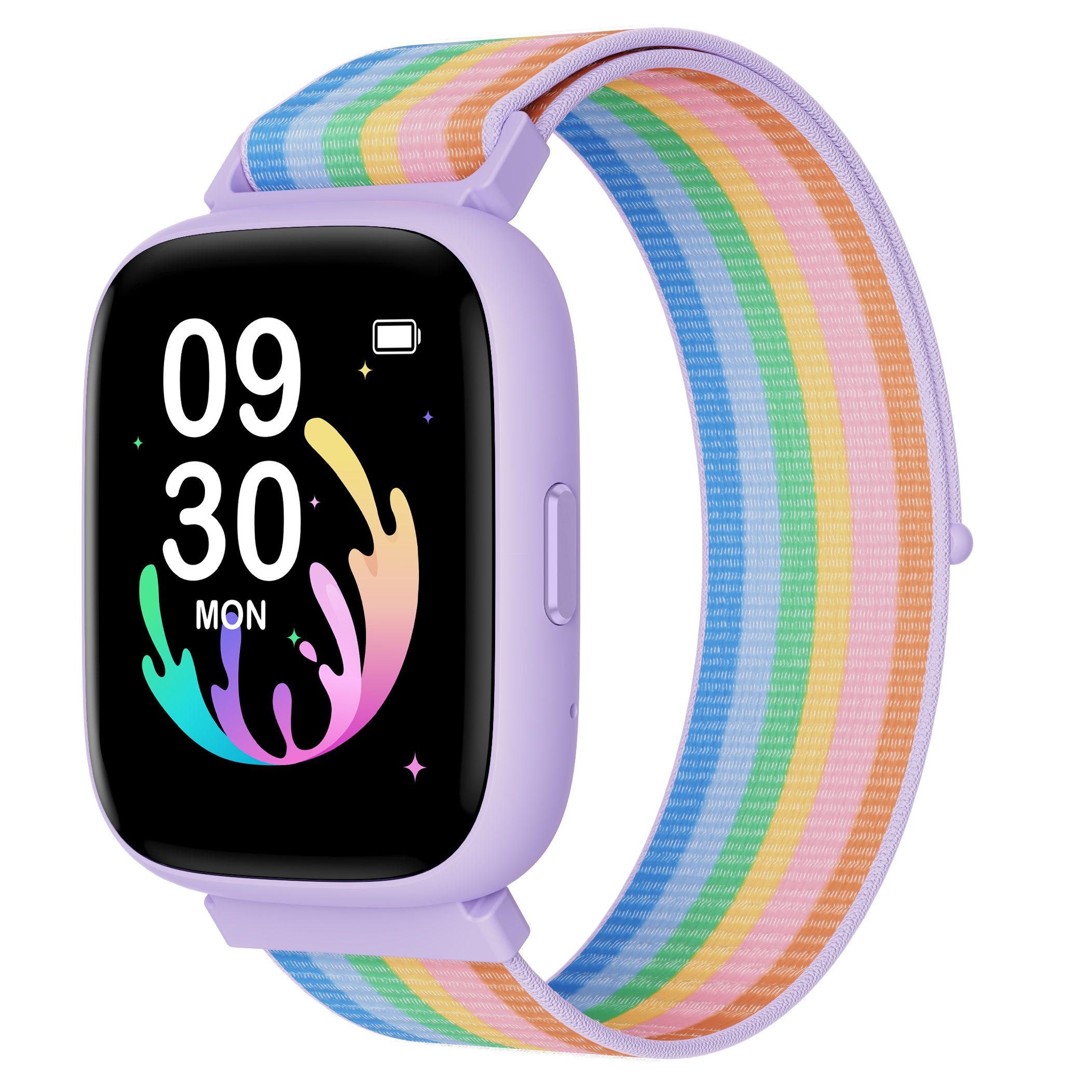
The built-in games are most kids' favorite feature — and most teachers' least favorite. School mode fixes the conflict in about five minutes of setup.
Step 1: Pair once, configure forever
Open the BIGGERFIVE app, tap your child's watch, and find Game Settings. You only need Bluetooth for the setup itself — settings live on the watch afterward, so the phone can go back in the drawer.
Step 2: Block the class hours
- Set the school window (say, 8:30 AM – 3:00 PM, Monday to Friday)
- Games grey out automatically during the window
- Everything else — time, steps, alarms — keeps working normally
Step 3: Build the morning chain
Add up to ten vibration alarms with labels. The magic combo most parents land on: wake up (7:00), breakfast done (7:30), shoes on (7:50). Each buzz is a nudge on their wrist instead of a shout up the stairs.
That's it. The bell rings, the games come back, and homework negotiations remain a purely human matter.